
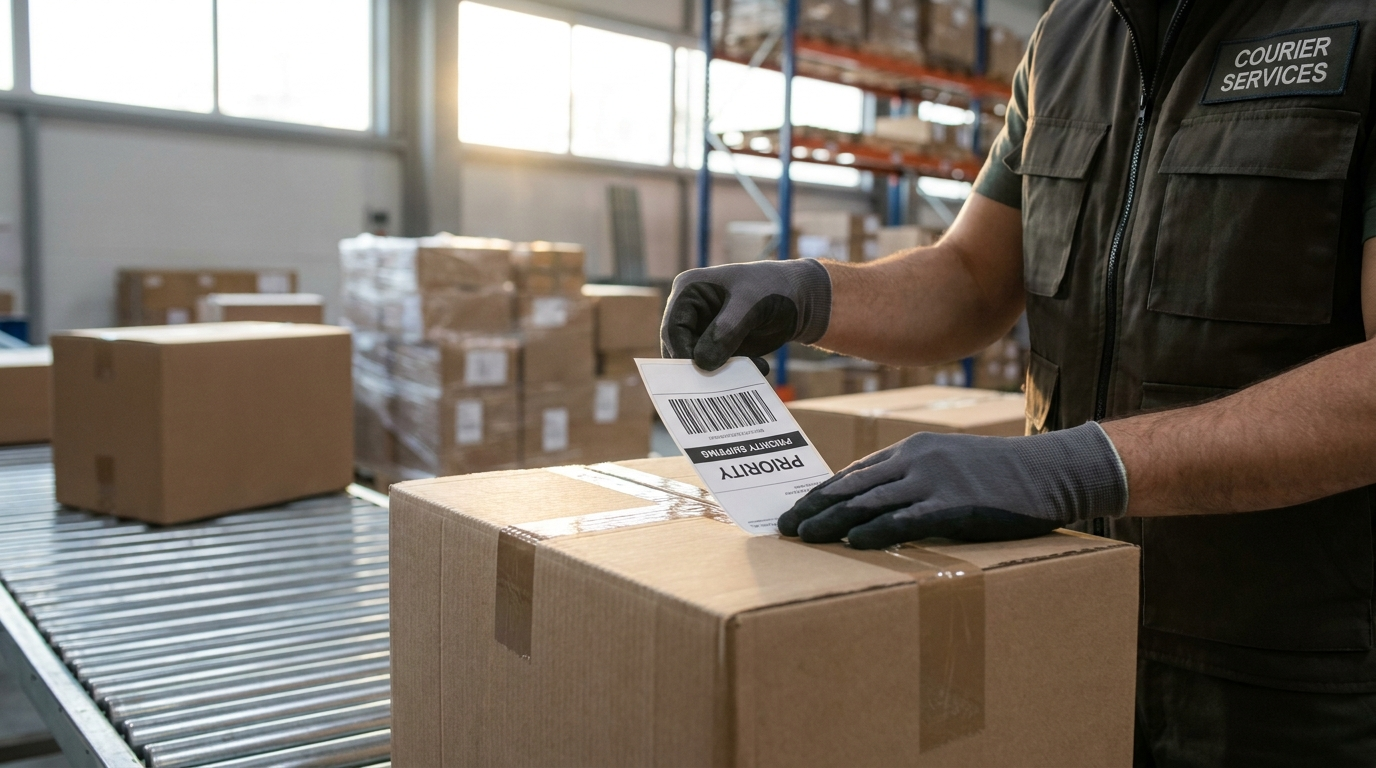
It's the most important little piece of paper in your entire package. A shipping label A properly prepared shipment moves through the carrier’s network without a hitch; a sloppy label triggers delays, returns, and unexpected costs of 20 to 26 $ per package. In 2026, with carriers scrutinizing every shipment more closely and charging for even the smallest correction, taking care with your labels is no longer a minor detail—it’s a concrete way to protect your profit margins.
Here’s how a shipping label works, the seven most costly mistakes, and the best practices to ensure your packages are shipped—and arrive—in Canada without any surprises.
What information is included on a shipping label?
A shipping label is more than just a printed address. It includes several elements that the carrier reads, often automatically:
- The destination address complete (name, street, unit number, city, province, ZIP code).
- The sender's address, which is essential for returns.
- The main barcode (often a 1D barcode plus a 2D/QR code), which contains the tracking number and routing information.
- The selected service (express, standard, economy) and sometimes the destination area or sorting center.
- Weight and, increasingly, dimensions reported.
The barcode is the heart of the label. Sorting centers scan millions of packages every day at high speed: if the barcode is blurry, creased, or misaligned, the package is diverted to manual processing, which adds time and, sometimes, costs.
The 7 Mistakes That Cost You Money
1. An incomplete or incorrect address
This is by far the most common billing error. A missing apartment number, a reversed ZIP code, or a missing company name is enough to trigger Address correction fee of 20 to 26 $ at UPS, FedEx, and Purolator. FedEx, for example, charges approximately 25.50 $ per package for an address adjustment in 2026, representing an increase of 6.25 % compared to 2025.
2. An unreadable barcode
If the printer is low on ink, or if the label is wrinkled or stuck to a rounded corner, the code will be difficult to scan. Print at high density, make sure the code is clear and has good contrast, and place it on a flat surface.
3. Two labels on the same package
Reusing an old box without removing the old label is a common cause of sorting errors: the scanner may read the wrong code. Remove or completely cover any previous labels.
4. Poor service or a poorly planned area
Choosing «express» out of habit when economy service would have been sufficient, or underestimating a remote area, which drives up the cost. Check the service and destination before generating the shipping label.
5. Underreported weight or dimensions
Carriers reweigh and remeasure. If the actual weight or the bulk density If the actual amount exceeds what was reported, you will receive a billing adjustment. Measure and weigh before printing.
6. A loosely attached label
If a label peels off during transit, the package becomes unidentifiable. Use a shipping envelope or clear tape on all edges—without covering the barcode with tape that causes glare.
7. Fold or cover the code with shiny ribbon
Packaging tape over a barcode creates glare that confuses scanners. Leave the barcode exposed or protect it with a matte protective sleeve designed for this purpose.
How to Create a Flawless Label
A few simple habits can eliminate most mistakes:
- Verify the address at the source. An address validation tool integrated into your online store or shipping software corrects errors before the shipping label is even generated.
- Print in 4 × 6 format. A 4 × 6-inch thermal label is the standard: crisp, with no fading ink, and easy to apply flat.
- Review the key fields. State, ZIP code, unit number, and department: Thirty seconds of verification are better than 26 $ of corrections.
- Keep a record of it. Keep a copy of the shipping label and the order: if a carrier charges you for correcting an address that is actually correct, you can dispute the charge, usually within 15 to 90 days, depending on the service.
Disputing an Unjustified Charge
If the address you provided was complete and accurate, the correction fee is disputable. Locate the relevant tracking number on your invoice, attach your proof (a screenshot of the shipping label, order details), and submit a refund request to the carrier. These fees often go unnoticed, but they add up quickly for an SME that ships daily.
In a nutshell
The shipping label may be small, but it determines the fate of your package and a portion of your profit margin. Verify the address, ensure the barcode is clear, declare the correct weight and shipping service, and attach the label properly: you’ll avoid most of the 20 to 26 $ in correction fees that will be silently draining shipping budgets in 2026.
Do you want to reduce your labeling errors and shipping costs? Discover Expert Shipping's solutions to generate clear labels and compare your services at the best rates in Canada.
The amounts shown are for informational purposes only and vary depending on the carrier, the agreement, and the service. Always check the fees that apply to your account.

 French
  English
  Spanish